How to prevent no-shows in your salon: 7 steps that really work
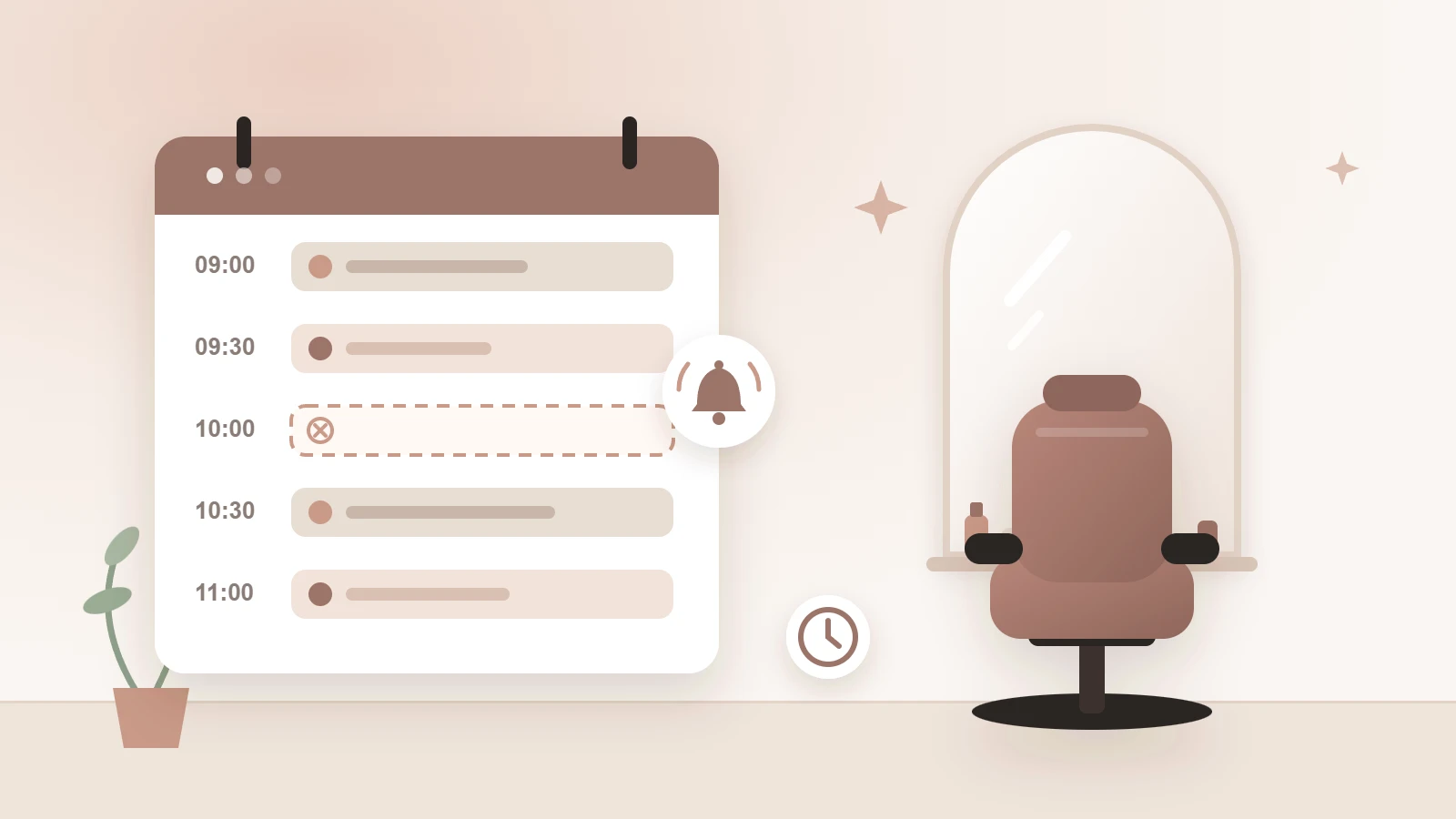
It’s Tuesday morning, ten o’clock. The chair is ready, the colour is mixed, and your client… doesn’t turn up. No call, no message. An hour later you’re still looking at a gap in your agenda that you can no longer fill.
Every salon knows the feeling. And because it’s always just one appointment, it feels like bad luck. But no-shows aren’t bad luck: they’re a pattern, and patterns can be broken. In this article you’ll see what a no-show really costs you, and the 7 steps that prevent most of them.
What does a no-show actually cost you?
Do the maths. Say you have three no-shows a week, an average of €45 per treatment, and 48 working weeks a year. That’s €6,480 in revenue you’ll never see. And that’s before counting the client you could have helped in that time, or the staff member you’re paying anyway.
Tip: for one month, keep track of every appointment that doesn’t happen without notice. Most salon owners are shocked by the number.
1. Make your cancellation policy clear
Clients keep their appointments better when they know upfront what’s expected of them. Decide until when clients can cancel free of charge, for example up to 24 hours before, and what happens when someone doesn’t show up.
Put that policy in three places: on your website, in the booking form and in the confirmation email. Short and friendly, never threatening. The goal is clarity, not punishment.
2. Send a reminder
Most no-shows aren’t bad intent, they’re forgetfulness. An appointment made three weeks ago easily slips out of sight. A reminder the day before solves most of that.
A text message is usually read faster than an email. Add a button or link to cancel in the reminder. That sounds counterintuitive, but a cancellation is always better than an empty chair: it still gives you the chance to fill the slot.
3. Make cancelling and rescheduling easy
The harder it is to cancel, the more likely someone simply stays away. Calling during opening hours is a hurdle for many clients, especially when they feel bad about cancelling.
So let clients cancel or reschedule online, up to a moment you choose. The slot frees up in time, and you don’t even have to pick up the phone.
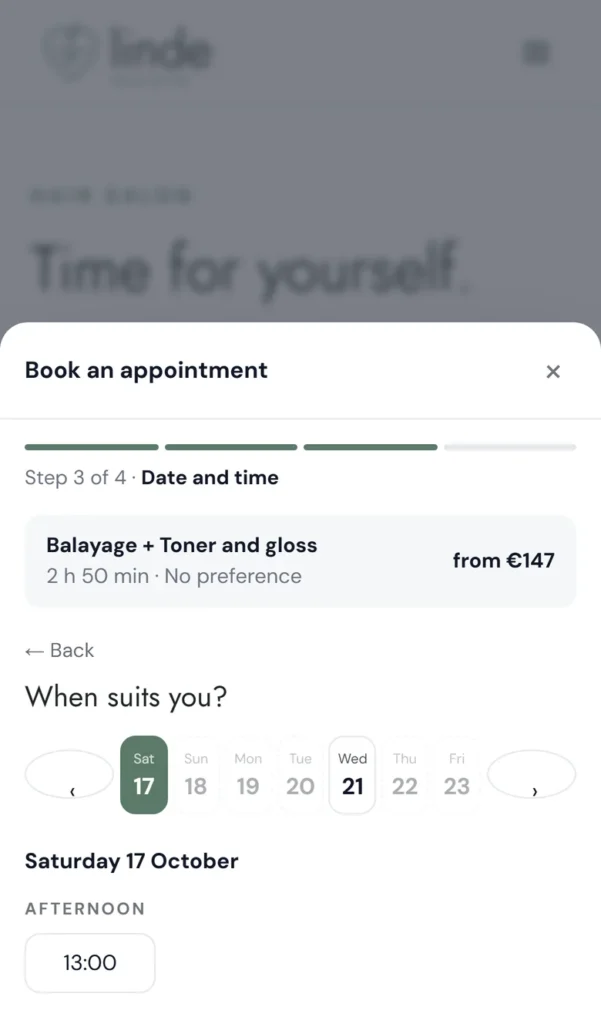
4. Ask for payment upfront, but not from everyone
Clients who pay in advance almost always show up. Still, you don’t want to bother your loyal regulars with a payment step. The solution: only ask for payment upfront where the risk is.
- New clients, whom you don’t know yet;
- clients who didn’t show up before, so it doesn’t happen again;
- possibly long or expensive treatments, where an empty chair hurts the most.
Clients who cancel in time simply get their money back. That keeps it fair, and nobody feels punished.
5. Track no-shows per client
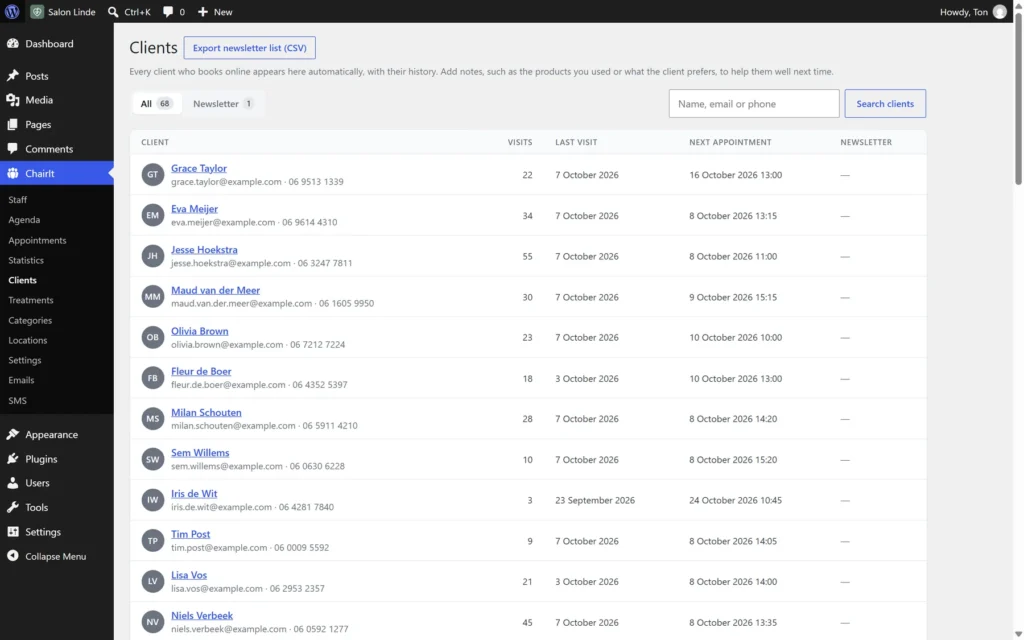
Everyone forgets something now and then. Missing one appointment is no big deal. But by the third time, you want to know, ideally at the moment that client books again.
So record every no-show with the client. Then you see at a glance who is reliable and who needs a little extra certainty.
6. Set a limit for repeat no-shows
Decide what happens after, say, two no-shows. A few reasonable options:
- the client can only request an appointment, which you confirm yourself;
- the client pays upfront from now on;
- the client can no longer book online, but can still call.
Put that rule in your cancellation policy. Then it’s no surprise to anyone, and you don’t have to have awkward conversations.
7. Fill an empty slot quickly
A cancellation that comes in on time only pays off when someone else can book the slot. With online booking, a freed-up time is instantly available to other clients. Even in the evening and at weekends, when the salon is closed and nobody answers the phone.
You don’t prevent no-shows with one trick, but with a few small habits that reinforce each other: clear agreements, a reminder, easy cancelling and extra certainty where it’s needed.
How ChairIt handles this for you
You can do all of this by hand, but that takes time you’d rather spend on your clients. ChairIt is a booking plugin for WordPress that automates most of it, right on your own website.
In the free version:
- clients book online and receive a confirmation with a calendar file;
- clients cancel online themselves, up to the moment you choose;
- you mark no-shows and see them in the client record.
ChairIt Pro adds the automatic measures:
- reminder emails with a cancel button;
- SMS reminders, for example 24 hours before;
- payment upfront with Mollie (for businesses in Europe): for everyone, only for new clients or only for clients with an earlier no-show, with automatic refunds when they cancel in time;
- a no-show rule: after repeat no-shows a client can only request an appointment, or can no longer book online.
Curious what it looks like? Try it yourself in our demo salon, or see what’s in the free version and in Pro.
Start small
You don’t have to do everything at once. Start with the two steps that make the biggest difference: a clear cancellation policy and a reminder the day before. Track the results for a month, then add payment upfront for the clients who need it. Your agenda, and your revenue, will notice.