
Online booking for your beauty salon: many treatments, one clear overview
A beauty salon is really several salons in one. An hour-long facial, a quick waxing, a relaxing massage, make-up for a wedding. Not every staff member does everything, and each treatment has its own rhythm. That makes a clear agenda all the more important.
In this article you’ll see how to set up ChairIt for your beauty salon, so clients book exactly the right treatment online, with the right person.
1. Organise your treatments into clear categories
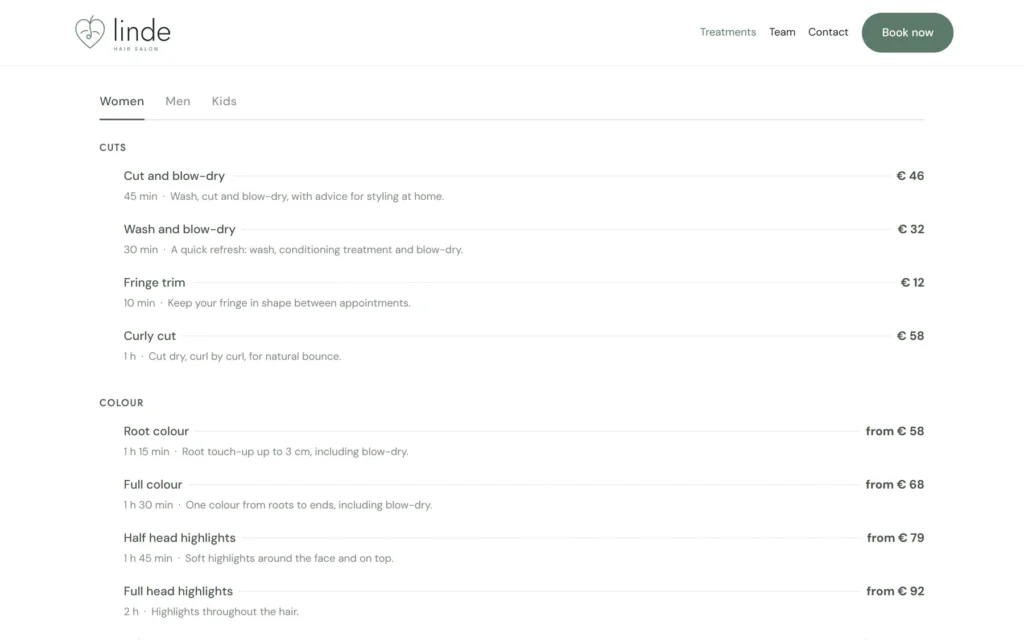
With many treatments, clients quickly lose their way. So group them into categories such as face, body, waxing, hands and feet, and make-up. Give each treatment a short description, a realistic duration and a price. On your website, the price list block shows everything neatly, by category.
2. Link treatments to the right specialists
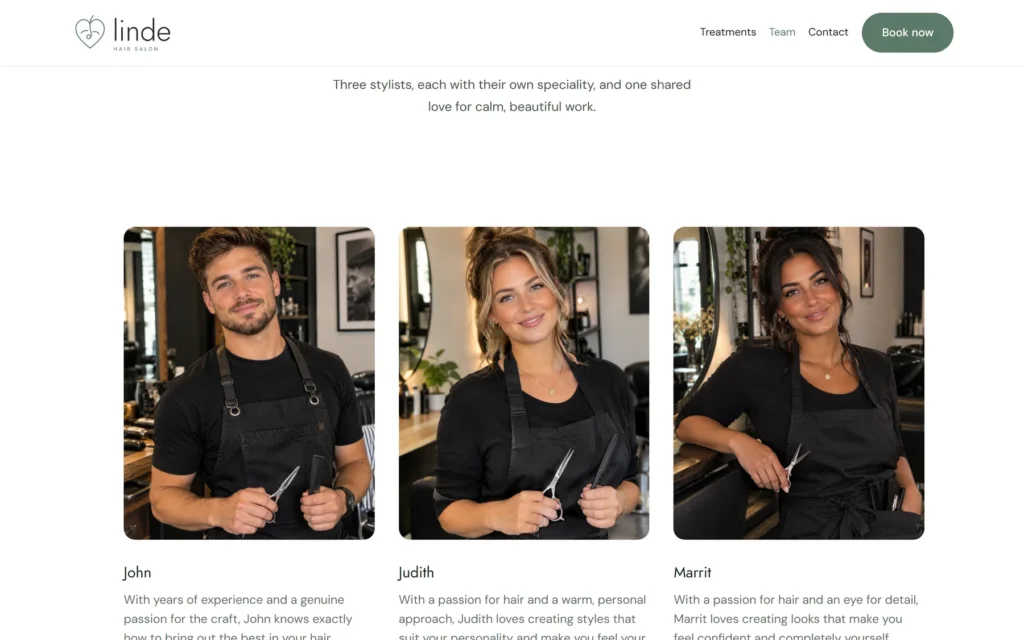
Perhaps only one colleague does microneedling, and another gives the massages. For each treatment you decide who performs it. Online, clients then only see the staff members and times that belong to that treatment. With the team block you introduce your specialists, with a photo and their specialities.
3. Let clients book combinations in one appointment
A facial followed by brows, or a pedicure with polish: clients love to combine. In ChairIt they choose several treatments in one appointment, back to back with the same staff member, with the time and price added up. A treatment with processing time, such as a mask, can be set up so room frees up during that time for a short treatment.
4. Keep track of skin type and preferences, with care
Skin type, products used and preferences go into the notes of the client record. At the next appointment you see them straight away, together with previous visits. Do be careful with sensitive information such as medical details: only note what you really need. ChairIt keeps everything in your own WordPress database and deletes client data automatically after a period you choose.
5. Do you work with treatment rooms?
ChairIt plans per staff member, not per treatment room. If every staff member has their own room, that works out by itself. If several staff members share one room for a certain treatment, take that into account in their schedules.
With ChairIt Pro you automatically send a thank-you email after the visit, asking for a review, for example on Google. The statistics show which treatments are most popular. And with reminders by email and text message, nobody forgets their appointment.
The more treatments you offer, the more important it is that clients find them in a few taps.
Try it yourself
In our demo salon you can see how online booking, the price list, the team block and the team agenda work. All of this is part of the free version of ChairIt.
ChairIt is a WordPress plugin, so you need your own WordPress website. You install ChairIt there for free via the Plugins menu.
Start with your bestsellers
Put your five most booked treatments online first. That way clients and colleagues get to know the system without it becoming overwhelming. The rest of your menu follows later.