
Online booking for your barbershop: regulars, walk-ins and online bookings in one agenda
Saturday morning, half past ten. Every chair is taken, two guys are waiting, and the phone rings again. The caller wants to know if he can “just pop in”. The answer depends on who finishes when, and nobody really knows exactly.
A barbershop works differently from the average salon. Appointments are short, clients come often, and some simply walk in. In this article you’ll see how to set up ChairIt so online booking and walk-ins don’t get in each other’s way.
1. Create short, clear treatments
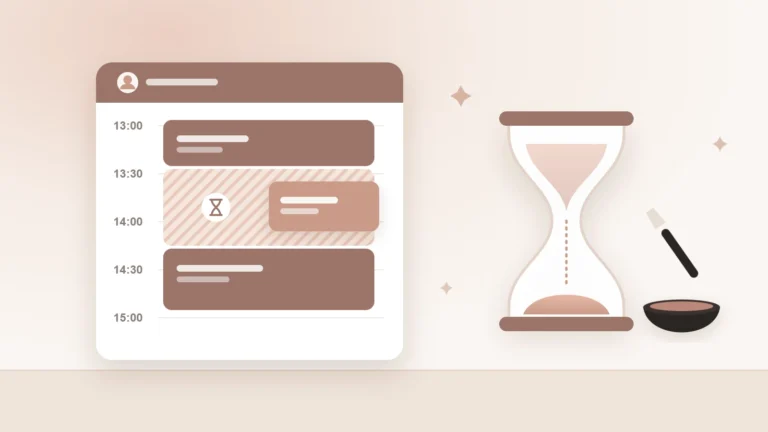
Keep your treatments simple: haircut, beard trim, hot towel shave, kids cut. Give each a realistic duration, for example 30 minutes for a cut and 20 for the beard. Clients can book several treatments in one appointment. A cut plus beard then becomes one appointment with the same barber, with the times and prices neatly added up.
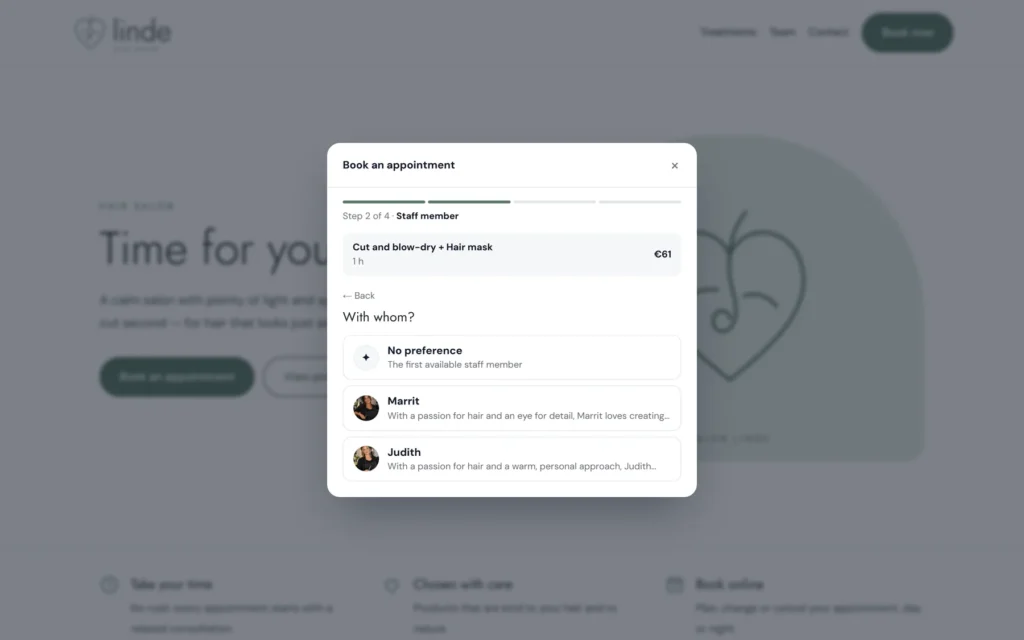
2. Let clients choose their own barber
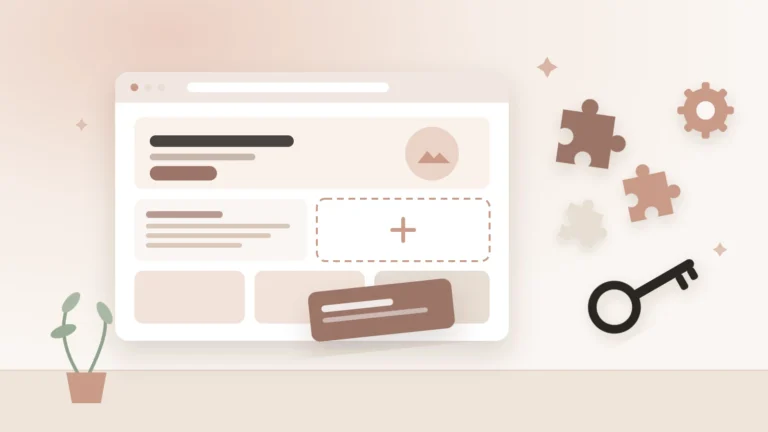
In a barbershop the barber is the brand. Regulars want “their” barber, and new clients often follow a recommendation. When booking, they choose a barber or “no preference”. With the team block on your website you introduce your barbers, with a photo and a few lines about their style.
3. Keep room for walk-ins
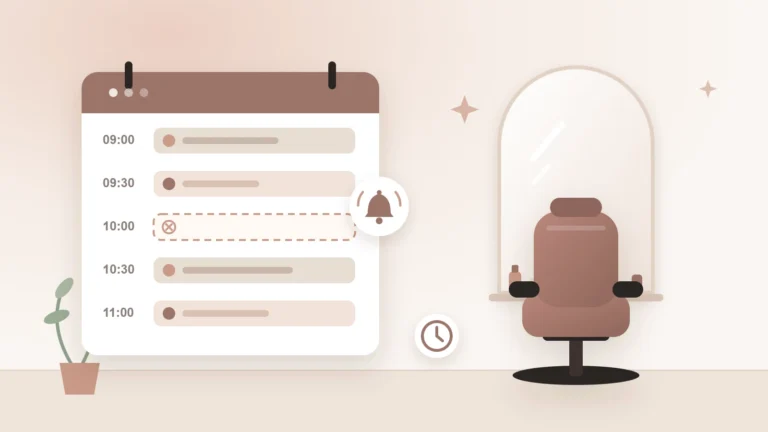
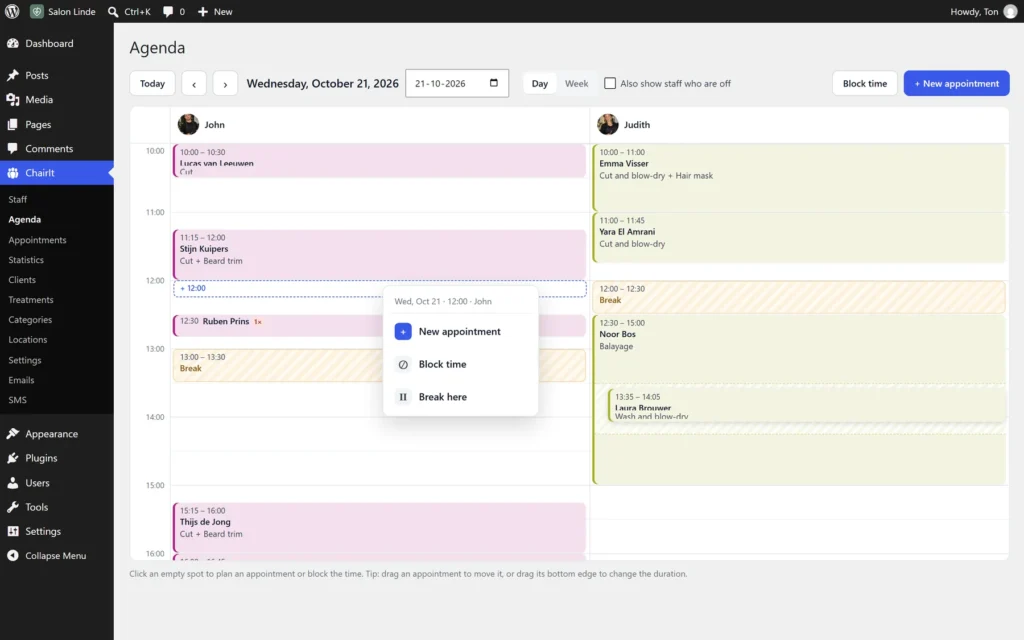
Walk-ins and online bookings go together fine, as long as your agenda is right. The team agenda shows all barbers side by side. When someone walks in, you click a free spot and book him in straight away. That way he never clashes with an online booking.
Want to keep room for walk-ins on purpose? Block a few slots per day for one barber. That time doesn’t show online, and you can release it at any moment.
4. Show whether you’re open right now
Someone thinking of walking in mainly wants to know whether you’re open. The opening hours block shows exactly that, including different hours around holidays. Put it on your homepage, next to the booking button.
5. Make coming back a habit
A good fade lasts three or four weeks. So book the next appointment right at checkout, or let the client do it online. The client record shows how often someone comes, and with whom.
With ChairIt Pro you send text message reminders, the day before or a few hours ahead. Clients with an earlier no-show can be asked to pay upfront, or after repeat no-shows only request an appointment. On busy Saturdays that’s no luxury.
The best barbershop agenda is one where the barber cuts and the agenda does the rest.
Try it yourself
In our demo salon you can see how online booking and the team agenda work. Online booking, choosing a favourite barber, the team agenda and the opening hours block are all part of the free version of ChairIt.
ChairIt is a WordPress plugin, so you need your own WordPress website. You install ChairIt there for free via the Plugins menu.
Start on a quiet Tuesday
Switch ChairIt on during a quiet day first, so your barbers get to know the agenda without clients waiting. After a week or two it runs by itself, Saturdays included.