Online booking for your dog grooming salon: plan every dog without the hassle
A Yorkshire terrier is done in an hour. A Bernese mountain dog with a thick undercoat? Count on half a day. And then there’s the labradoodle who is scared of the dryer and needs a bit more patience. In a grooming salon no two appointments are the same, and that makes planning tricky.
ChairIt is made for every business where clients book a treatment with a staff member, and a grooming salon fits right in. In this article you’ll see how to set up ChairIt for your grooming salon, so owners can book the right appointment online themselves.
1. Create treatments per size or coat type
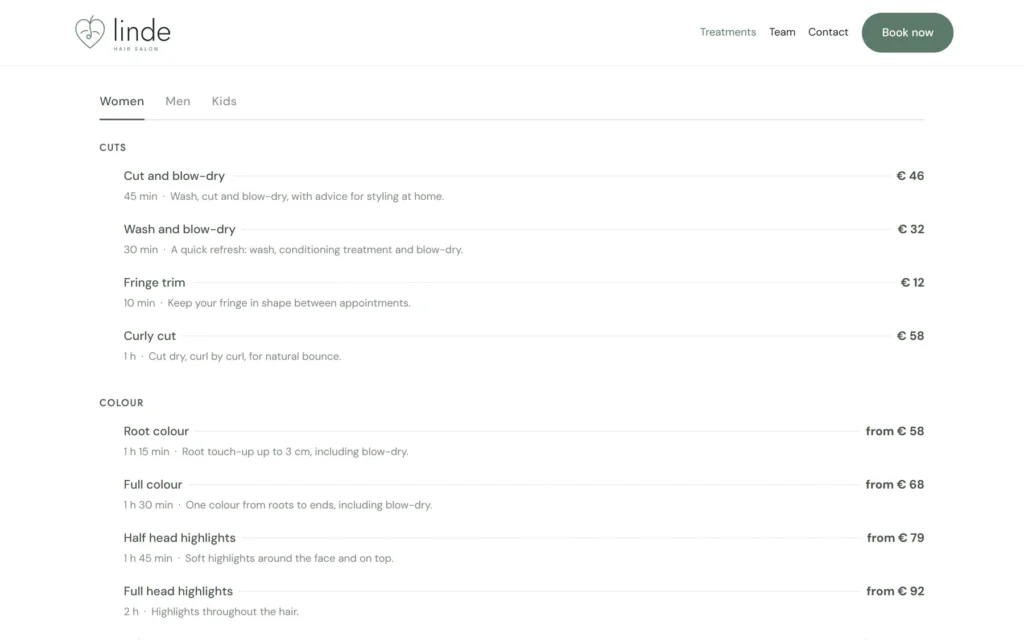
The duration depends on the dog. So create a version of each treatment per size, for example “Wash and dry, small dog”, “medium dog” and “large dog”, each with its own duration and price. Group them into categories such as grooming, hand stripping and washing, or by size. That way owners pick the treatment that suits their dog straight away, and your planning adds up.
2. Keep everything about the dog in the client record
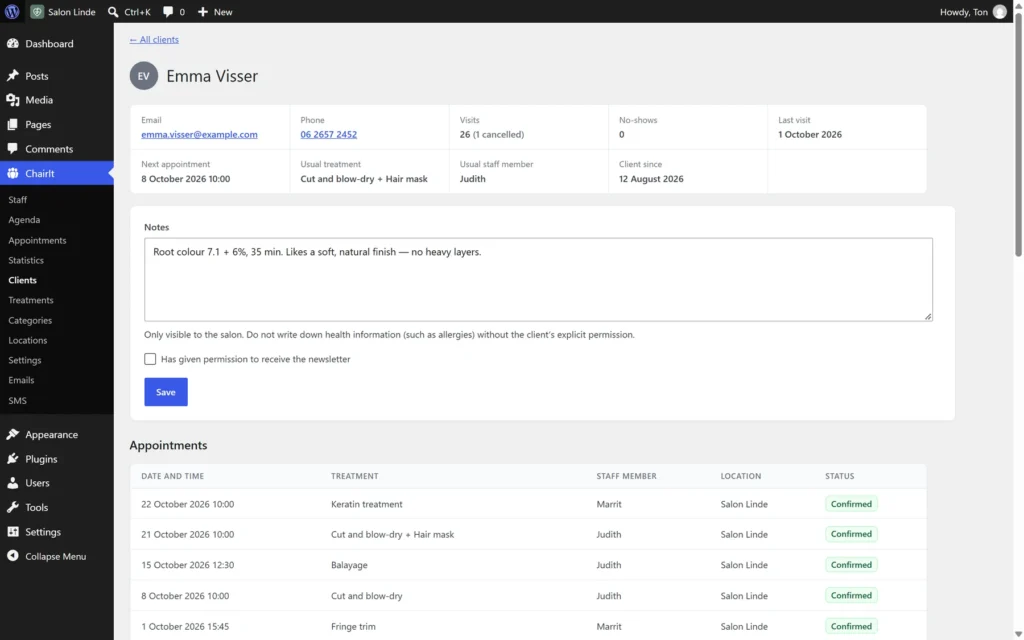
In ChairIt the client is the owner, with a name, email address and phone number. Everything about the dog itself goes into the notes of the client record: name, breed, weight, coat type and temperament, such as “scared of the dryer” or “nails with two people”. At the next appointment you see it straight away, together with all previous visits.
ChairIt doesn’t have a separate field for breed or vaccinations. The notes are flexible enough for exactly that. Does a client have more than one dog? Then keep them all in the same client record.
3. Let owners choose their favourite groomer
Dogs feel more at ease with a familiar face, and owners know it. When booking, they choose their favourite groomer, or “no preference” if they don’t mind. For each treatment you decide who performs it. Hand stripping or show grooming might be for your most experienced groomer only.
4. Make use of drying time
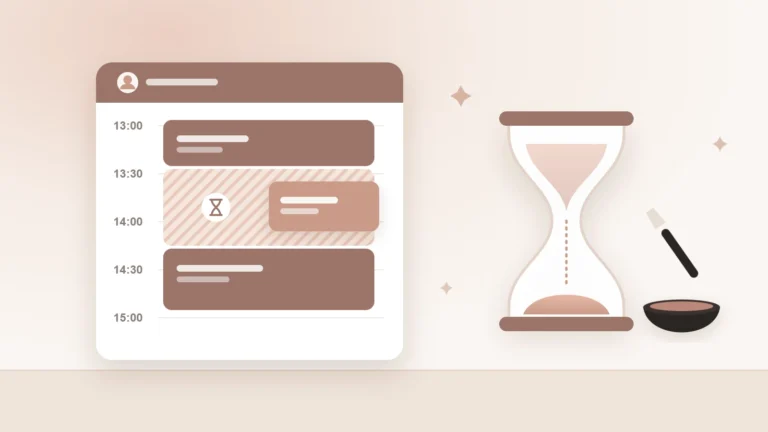
Is a dog in the drying cabinet? Then your hands are free for a while. Set a processing time for drying on that treatment. ChairIt keeps your groomer free in the agenda during that time, so a short treatment fits in between, such as clipping another dog’s nails. This works for online bookings too.
5. Book the next groom straight away
Most dogs come back every six to eight weeks. So book the next appointment right at pick-up, from the team agenda or the client record. The owner receives a confirmation with a calendar file, so the appointment is in their own calendar.
ChairIt Pro adds reminders by email and text message. You can also ask new clients to pay upfront, which is handy for long half-day grooms.
Every dog is different. Your agenda should be able to handle that too.
Try it yourself
In our demo salon you can see how booking and the team agenda work. It’s a hair salon, but the principle is the same: for a grooming salon you simply set up different treatments. Online booking, the team agenda, client records and processing time are all part of the free version of ChairIt.
ChairIt is a WordPress plugin, so you need your own WordPress website. You install ChairIt there for free via the Plugins menu.
Start with your three most booked treatments
You don’t have to set up everything at once. Start with the three treatments you do most often, each in a few sizes. Put the booking button on your website and see how it goes for a few weeks. Then add the rest step by step.